8 avatar states
Idle, Talking, Surprised, Happy, Sad, Angry, Thinking — or whatever your character needs. Switch instantly with keyboard shortcuts 1–8, Stream Deck, or sidebar tap.

The PNGTuber app built for creators who want to record and publish — not just stream. Drop in your avatar images, hit Record, and walk away with a video ready to upload.
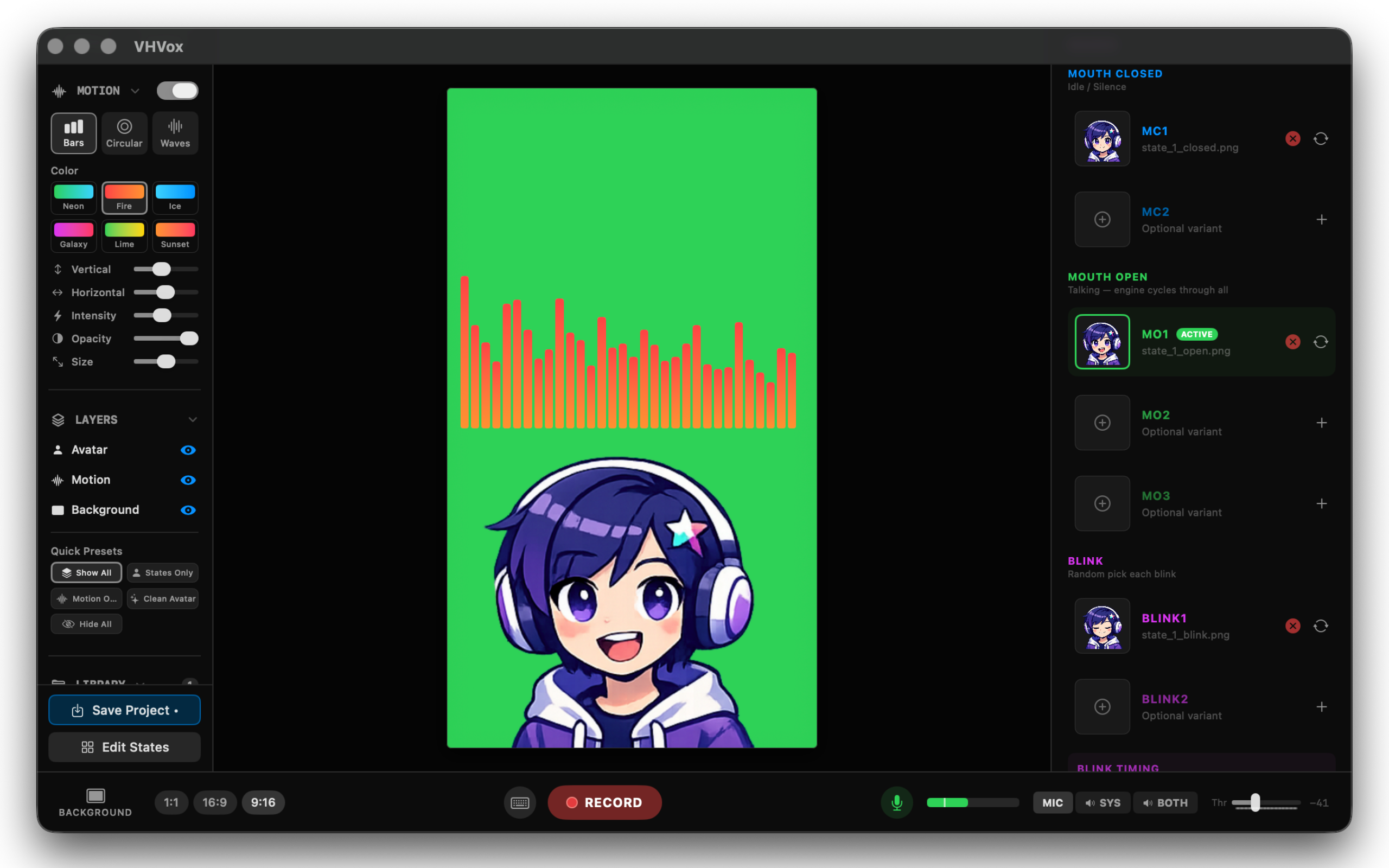
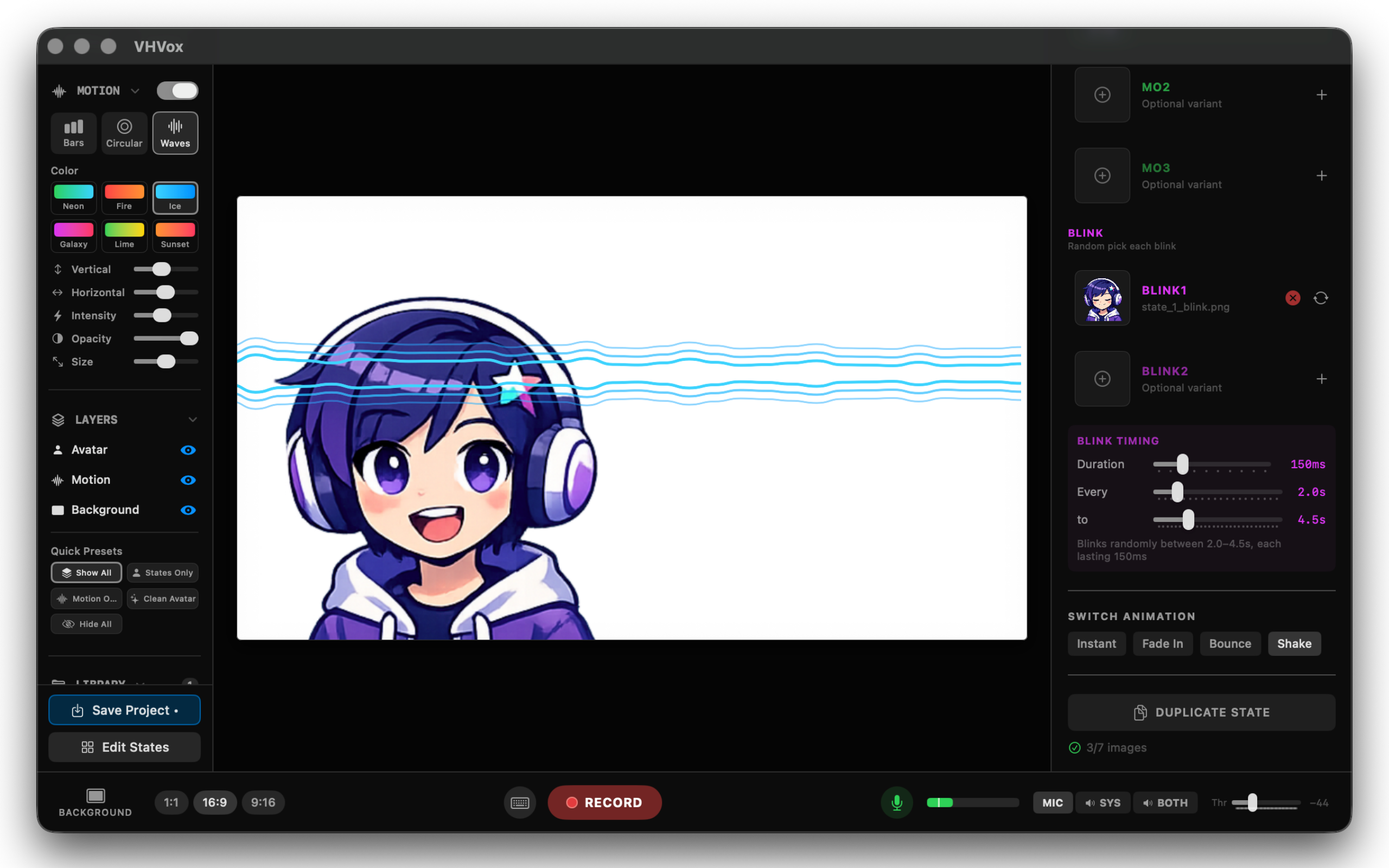
Import any PNG or GIF. VHVox detects your mic and lip-syncs automatically. No rigging, no tracking.
Choose 16:9, 9:16, or 1:1. VHVox captures avatar, background, and audio visualizer into a single MP4.
Find your file in Finder and post it to YouTube, TikTok, or Reels. No video editor needed.
Idle, Talking, Surprised, Happy, Sad, Angry, Thinking — or whatever your character needs. Switch instantly with keyboard shortcuts 1–8, Stream Deck, or sidebar tap.
Choose your ratio before you start. VHVox captures everything into a single MP4 — ready to upload without touching a video editor.
Mic, system audio, or both. Your avatar reacts to music, game sounds, or any audio playing on your Mac — no virtual cables, no third-party drivers.
Bars, Circular, or Waves — placed anywhere on your canvas. Six color presets or custom. Records directly into your video.
Transparent for OBS overlays, chroma green or blue for keying, or import your own image or GIF. Switch in one click without stopping.
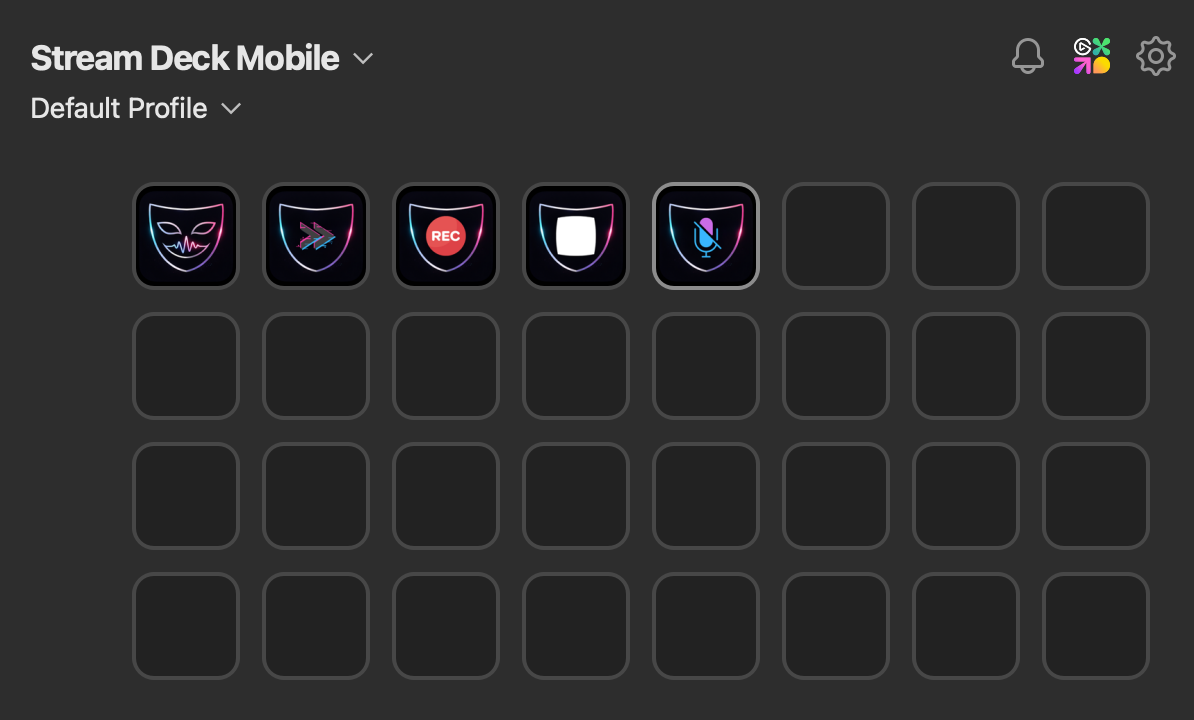
Install the VHVox plugin from the Elgato Marketplace. Control states, recording, and mute from Stream Deck — physical or mobile. HTTP server for Touch Portal and custom controllers.
Install the VHVox plugin from the Elgato Marketplace and control every state, recording, and mute action from your Stream Deck — physical or mobile. Or use the built-in HTTP server to connect Touch Portal, a second Mac, or any custom controller on your local network.
Available now on the Mac App Store. Free to try. One unlock, no subscription, no watermarks.